Introduction to 3D Modeling with Tinkercad
Thursday, November 07
6:30pm - 7:30pm
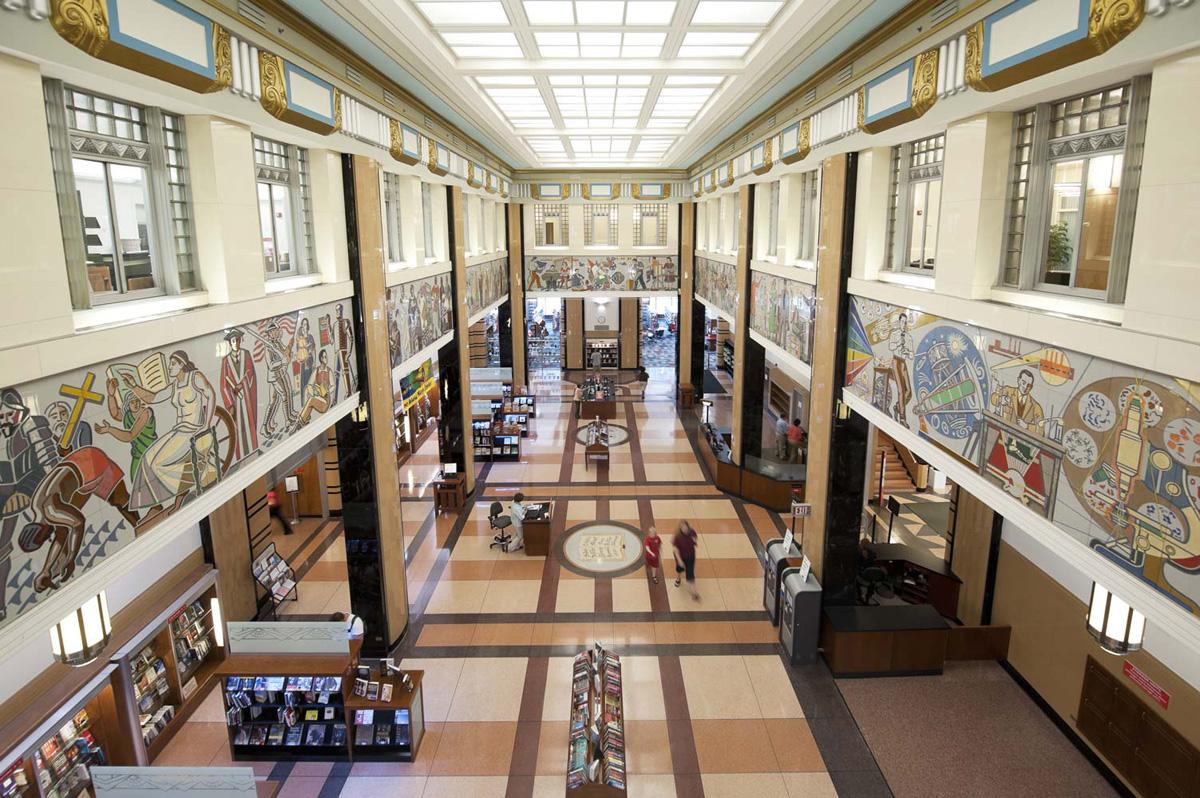
Main Library
Teaching Lab (Computers and Media), 1st FloorLearn the bare basics of the free Tinkercad 3D modeling software. Access to an email address will be required to register for a Tinkercad account. Registration required.
Discover the basics of 3D modeling with the Tinkercad software (www.tinkercad.com). Tinkercad is a free, online, simplistic 3D modeling software. It is designed by Autodesk, creators of Fusion 360, 3DS Max, and AutoCAD, but unlike those packages, it is geared toward beginners. If you ever wanted to figure out how to make or edit a 3D model for use in 3D printing, this is the easiest and most accessible software for the job. A librarian from our Making department will lead the group, assisting with account setup, completion of a basic design, and demonstration of how to submit a completed model for 3D printing later. Your account and 3D design will be yours, and you will be able to return to it from any computer at any time if you’d like to go back and edit it later. Registration required.

AGE GROUP: | Teens (11-17) | Adults (18+) |
EVENT TYPE: | Making | Computers/Technology | Art/Crafts/Hobbies |
Main Library
- 69 Windows PCs
- 36 Windows laptops
- 16 MACs
- 20 children’s PCs
- 6 children's early learning stations
- 2 book scan stations
- Making equipment
- Free Wi-Fi
- 100 person Community Room
- 214 person Large Glass Room
- 312 person McMaster Center
- 200 person McMaster Lobby
- Faxing, copying, scanning
- ToleGo Public Bikes
- 300 parking spots (includes 9 handicapped accessible spots)
- 2 electric vehicle charging stations
- 10 bicycle spots